Recording internal audio without BlackHole or Soundflower
BlackHole, Soundflower and the paid tools built on the same idea all solve one problem: macOS has no input device that carries the sound your Mac is playing, so they invent one. It works. It is also more moving parts than the job now needs — since macOS 14.4 there is a supported API for exactly this.
Get RedLight
No driver, no routing, no aggregate device. Free to try on macOS 14.4 or later.
What a virtual audio driver actually does
A virtual audio driver installs a fake sound card. You set your Mac's output to it, so everything your Mac plays goes into that fake card instead of your speakers — and because it presents itself as an input as well, a recorder can read the same stream back out. To hear anything while this is happening you build an aggregate or multi-output device in Audio MIDI Setup, so the sound goes to the fake card and your real one at once.
That is a lot of state to keep straight. The failure modes are familiar to anyone who has done it: recordings that are silent because the output was switched back, a Mac that plays nothing through its speakers the next morning, volume controls that stop working because the aggregate device has no hardware volume, drivers that need reinstalling after a macOS update, and per-app capture that simply isn't possible — you get the whole mix or nothing.
What macOS 14.4 added
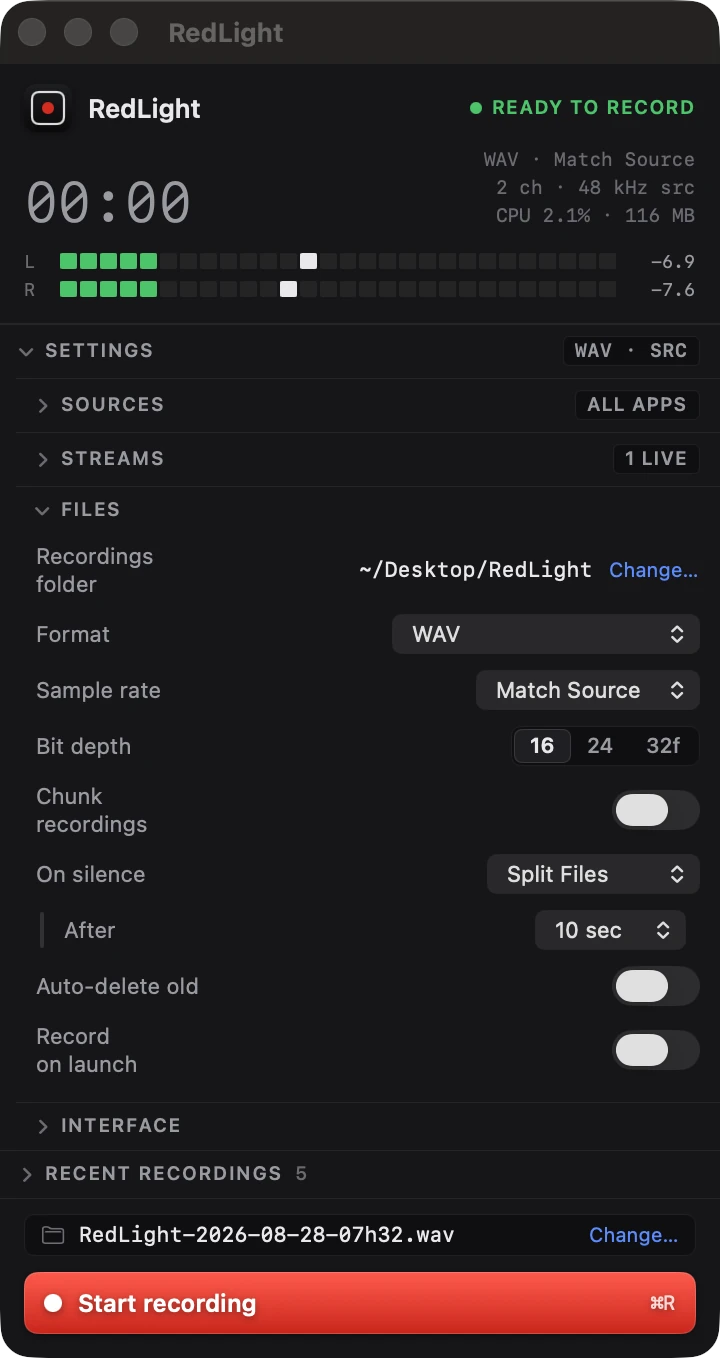
Core Audio gained a process tap: an app can ask the system to give it a copy of what another process — or every process — is playing, as it plays. It is a first-party API with a permission prompt in front of it, not a driver. Nothing is installed into macOS, your output device never changes, and the audio you are listening to is not diverted through anything on its way to your ears.
Because the tap is per-process, it can also do something a virtual driver never could: capture one app. Record just the browser, or record everything except the app that makes notification sounds.
Side by side
Installation
Driver: a system extension, approved in System Settings, reinstalled when macOS majors change. Process tap: nothing — a sandboxed app from the App Store, and one permission prompt.
Your output device
Driver: switched to the virtual device, and switched back afterwards; an aggregate or multi-output device if you want to hear anything. Process tap: untouched. Keep listening on whatever you were using.
Recording one app
Driver: not possible — it captures the whole output mix. Process tap: include or exclude by process, so notifications and music players can be left out.
Cost of running
Driver: an extra device in the audio path for everything your Mac plays, all the time. Process tap: about 1% of one core while recording, and nothing when idle.
Moving over
If you already have a virtual driver installed, nothing needs uninstalling for RedLight to work — but do set your Mac's output back to your real speakers or headphones first, in System Settings → Sound. A recorder built on a process tap captures the mix on its way to the device that is actually playing it; if your output is still pointed at a silent virtual card, that is precisely what gets recorded.
Questions
Is BlackHole bad?
No — it is well made, free and open source, and on macOS 13 or earlier it is the right tool. The point is that on macOS 14.4 and later the operating system does this job itself, so the driver, the aggregate device and the routing dance are no longer the price of admission.
Do I have to uninstall my virtual audio driver?
No. They coexist. Just make sure your Mac's sound output is set to the device you are actually listening on before you record.
Does this work on an Intel Mac?
Yes. The requirement is macOS 14.4 or later, not Apple silicon.
Can I record system audio and a microphone at once without an aggregate device?
Yes. RedLight runs the microphone on its own independent path and mixes it in, deliberately keeping it out of any aggregate — an aggregate has one sample rate, and a Bluetooth headset in hands-free mode would drag the system audio down to 16 kHz with it.
What about Loopback, Audio Hijack or Rogue Amoeba tools?
Those are mature, capable apps and several now use process taps too. RedLight is the small, focused end of that range: a menu bar recorder that captures system audio and gets out of the way, free to try with a one-off unlock.
Related guides
Other things people record on a Mac.
Still stuck?
The full support page has the setup walkthrough, every setting explained, and the common fixes. Or email support@kernowlabs.com with your macOS version — we reply within two business days.
You are responsible for recording only audio you have the right to capture, and for obtaining any consent required where you are.